WireGuard
Created: 2023-02-07 18:15:22 -0700 Modified: 2023-02-09 10:26:57 -0700

| Easy-WG Interface | http://10.0.0.250:51821/ | Create/Edit/Remove users | Password in Keeper |
|---|---|---|---|
| Portainer Interface | http://10.0.0.250:9000 | Manage Docker Instances | Credentials in Keeper |
Wireguard is installed as a Docker Image. Docker is like running a micro virtual machine. There are three components:
- Wireguard package -- that needs to be created manually to enable wireguard services.
- Docker package needs to be installed (available through package manager)
- WG-EASY Docker image needs to be installed to manage the wireguard clients.
Hand spun configuration
| SSH into the NAS | ssh -p 1022 nasadmin@studionas.studiocompletiva.com |
|---|---|
| Setup of Wireguard driver package | sudo docker run --rm --privileged --env PACKAGE_ARCH=broadwell --env DSM_VER=7.1 --user=root -v /volume1/docker/synowirespk71:/result_spk blackvoidclub/synobuild71 |
| Configure and run | docker run -d --name=wg-easy -e WG_HOST=vpn.studiocompletiva.com -e PASSWORD='NewJ@ckCity404' -v /volume1/docker/wg-easy:/etc/wireguard -p 51820:51820/udp -p 51821:51821/tcp -e WG_PERSISTENT_KEEPALIVE=25 -e WG_DEFAULT_ADDRESS=10.6.0.x -e WG_DEFAULT_DNS="10.0.0.250,10.0.0.11" -e WG_MTU="1280" -e WG_ALLOWED_IPS=" 0.0.0.0/1, 10.0.0.0/24, 10.6.0.0/24,10.8.0.0/24,::/1, 8000::/1" --cap-add=NET_ADMIN --cap-add=SYS_MODULE --sysctl="net.ipv4.conf.all.src_valid_mark=1" --sysctl="net.ipv4.ip_forward=1" --restart unless-stopped weejewel/wg-easy |
Portainer to Edit/Manage/Recreate (BEST and EASIEST)
- Log into Portainer
- From the Home Screen, click on Docker
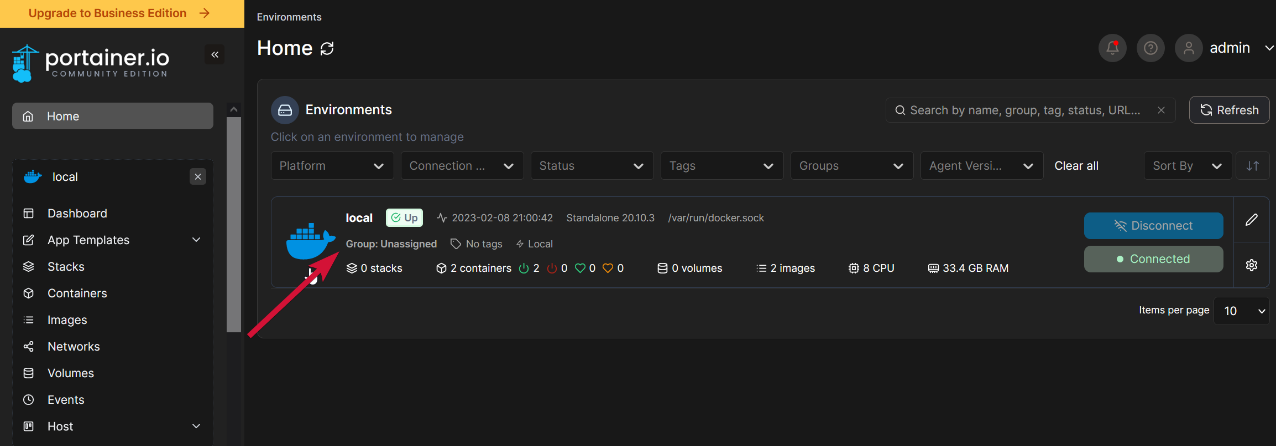
- On the Docker Home screen, Click on Containers, then wg-easy
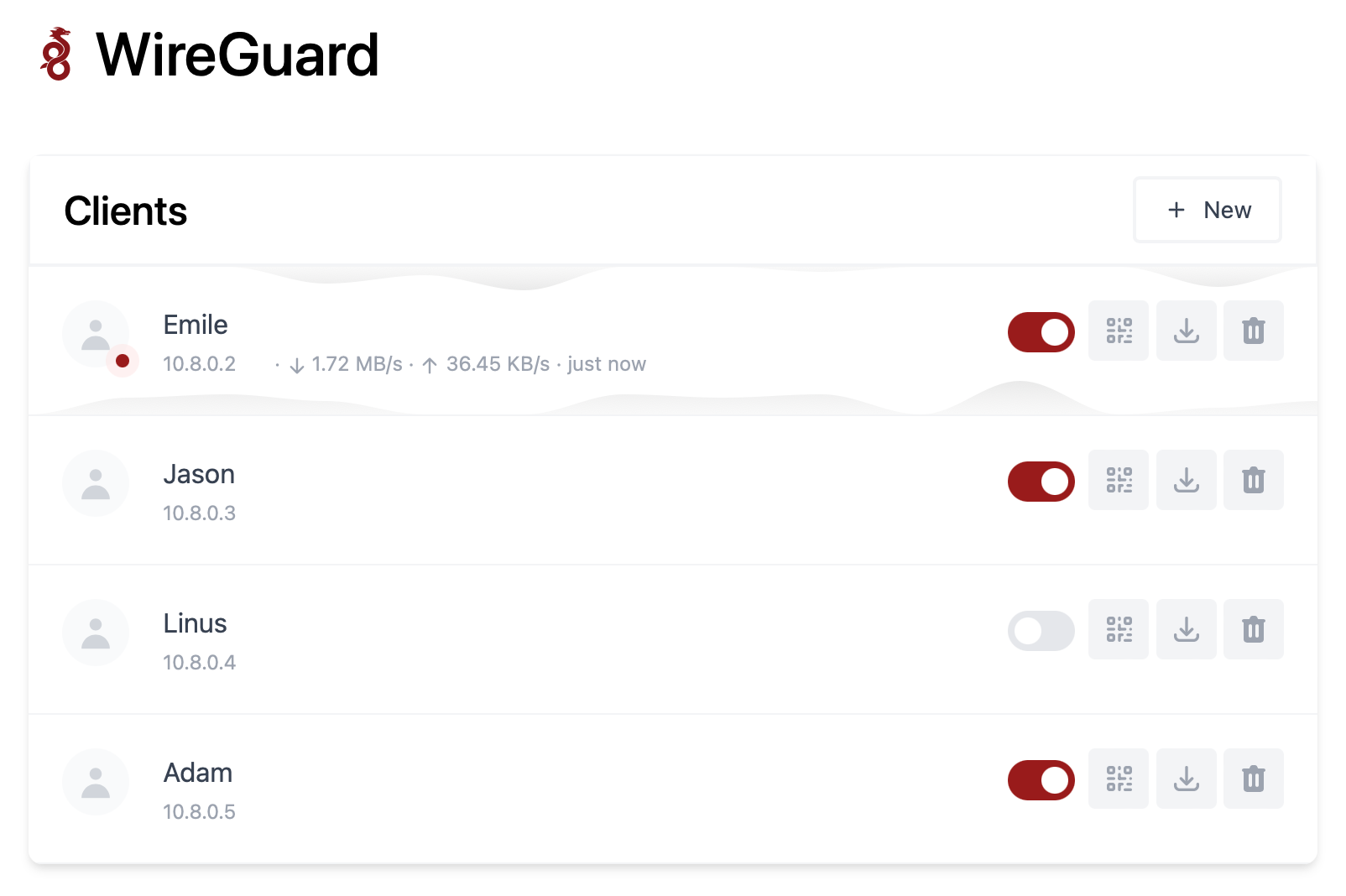
- View Statistics, configuration; Start/Stop, and all other functions are here.